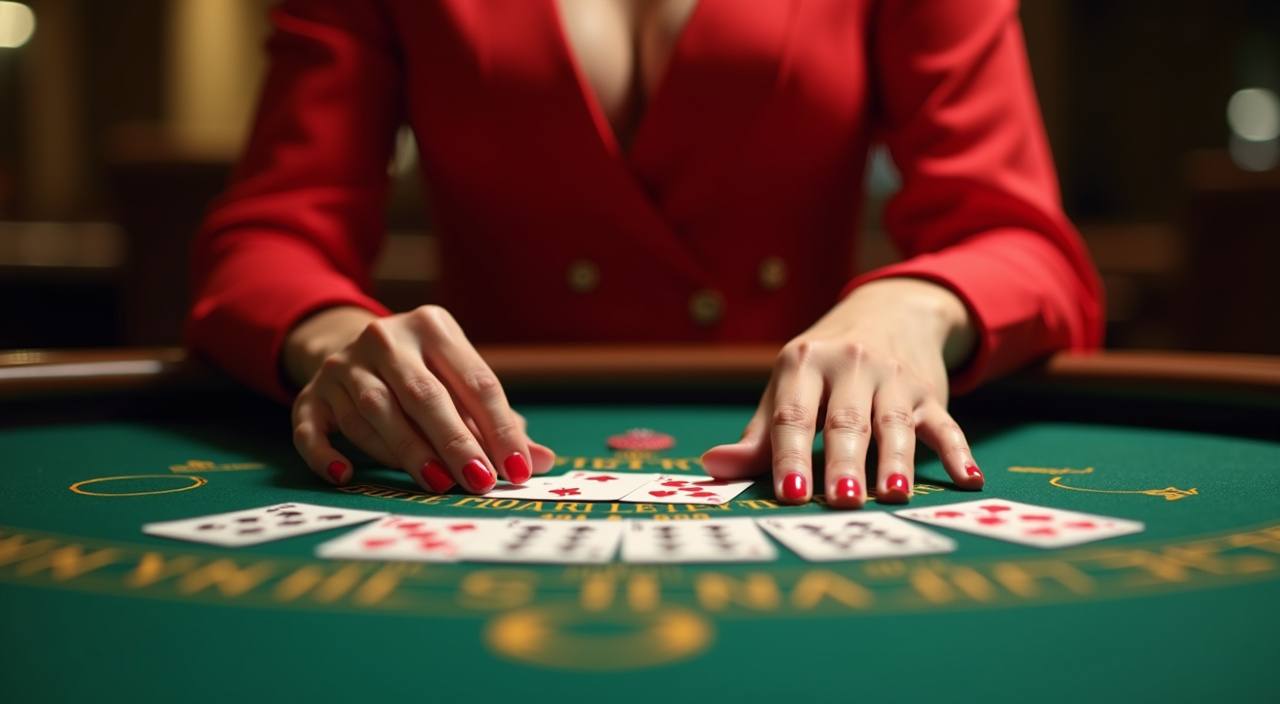
These are the questions we hear most from accounts in Bangladesh — about deposits via bKash or Nagad, how to switch between live tables and slots, and where to find your transaction history. Every answer points to a real step inside your account, not a generic description.
Each answer in this FAQ section comes from real account flows on 111bets — the deposit screens, the lobby navigation paths, and the support channels your account has access to. We do not borrow phrasing from generic help pages. Where a step depends on your local law or eligible region, we say so plainly. If something has changed since you last visited, the most current state is always shown inside your account dashboard after login.
Account-First Answers
Every FAQ answer here is tied to a real screen or step inside the 111bets account flow. We describe what you see in the deposit tab, the lobby, or the wallet section — not what a generic casino page might say.
Local Payment Context
Questions about bKash, Nagad and Bank Transfer are answered with the exact field names and confirmation steps shown during the deposit process. We do not invent processing times or fee figures we were not given.
Region-Honest Wording
Where access or eligibility depends on your local law and region, this FAQ says so directly. We do not state that a feature is universally available when the actual availability screen qualifies it.
Updated at the Source
If a policy or account rule changes, your dashboard reflects it first. This FAQ page covers standard flows; for anything time-sensitive, the account dashboard after login shows the current state.
LIVE TABLES VS SLOTS
One Account, Two Ways to Play — Here Is What Stays the Same
Whether you head to a live dealer table or open a self-paced slot like Monsoon Magic Slots or Dhaka Lights Slots, the account behind both is identical. Your wallet balance, your deposit history from bKash or Nagad, and your support access do not change based on which part of the lobby you are in. The FAQ questions below apply equally across both play areas. What does differ is the session rhythm — live tables run on a dealer schedule, while slots like Dhaka Lights Slots start and stop whenever you choose. Cricket betting through the sportsbook follows the same wallet and the same support routes as the casino sections.
Live Dealer Tables
Live tables run on a real-time dealer schedule. Your bKash or Nagad deposit reaches the same wallet that powers every table. Session pacing depends on the dealer; you join and leave between rounds. All transaction records sit in the same account history.
Slots and Self-Paced Games
Slots such as Monsoon Magic Slots and Dhaka Lights Slots start the moment you open them. There is no waiting for a round. The wallet balance shown is the same one you fund with Nagad or Bank Transfer — no separate slot wallet exists on this account.
Sportsbook and Cricket Betting
The sportsbook, including cricket markets for BPL and international fixtures, draws from the same account wallet. Switching from a live table to a cricket match does not require a new deposit or a separate login step.
What Is Always the Same
One account, one wallet, one transaction log, one support route. Regardless of whether a question in this FAQ relates to slots, live casino or the sportsbook, the deposit steps and the account help path described here apply uniformly.
WHAT DEFINES THIS LOBBY
Four Things That Shape How 111bets Works
These are the structural details that most FAQ questions eventually circle back to. Understanding them makes the specific questions below much easier to follow — because most account issues trace back to one of these four areas rather than to a unique edge case.
Mobile-First Account Access
The account dashboard, deposit screen and lobby all load on a mobile browser without requiring a separate app download. Questions about deposit steps, game access and support can be completed from the same mobile session you use for bKash or Nagad.
Studio-Backed Game Catalogue
Games in the lobby come from PlayStar, PG Soft, Joker and Microgaming. When a FAQ question mentions a specific title or game type, the studio behind it determines where RTP details appear — only where that studio exposes them inside the game interface.
Single Wallet Across All Sections
Deposits made through bKash, Nagad or Bank Transfer go into one account wallet. That wallet is the balance you see whether you are on a live table, a slot screen or a sports market. There is no splitting or transferring between sub-wallets.
Support Reachable from Any Page
The support link is accessible from the account menu regardless of which section you are in. FAQ answers here describe the standard path; for account-specific issues, the support channel visible after login handles queries directly.
Reference / 05
How to Use This FAQ Section on 111bets
This FAQ section is organised around the questions that come up most often from accounts based in Bangladesh. The sections cover three broad areas: getting money into and out of your account using bKash, Nagad or Bank Transfer; navigating between the live casino, slots and the sportsbook; and reaching support when a step does not behave as described. For deposit and withdrawal questions, the answers describe the field-by-field process as it appears in the account. We do not invent specific timing figures — where the account screen shows an estimated completion state, we direct you there. For game questions, answers reference what is visible inside the lobby rather than technical back-end detail. RTP information is only shown where the relevant studio — PlayStar, PG Soft, Joker or Microgaming — exposes it within the game interface itself. Access to some features depends on your local law and the eligible region your account is registered under. Where that applies, the answer says so. For anything specific to your account — an unresolved deposit, a verification request, or a wallet discrepancy — the support route described in the final section of this FAQ gets you to a direct response faster than searching this page.
bKash
Nagad
Bank Transfer
AT A GLANCE
Structural Facts About the 111bets Platform
These figures describe the structural shape of 111bets as it is configured — the game categories available, the payment rails in place, the language the platform is served in, and the support channels published. No invented counts or processing speeds are included here.
Game studios in the lobby: PlayStar, PG Soft, Joker, Microgaming
4
Local payment rails: bKash, Nagad, Bank Transfer
3
Account language served: English for Bangladesh
1
Play categories in one account: live casino, slots, sportsbook
3
NEED MORE HELP
How to Reach 111bets When the FAQ Does Not Cover It
Most account questions are answered somewhere in this FAQ. When yours is not — or when the answer here describes a step that is not matching what you see on screen — these are the three direct routes to a response from our team. Have your registered account details ready before you reach out; it speeds up the verification step on our end.
Live Chat via Account Menu
After login, the chat icon in the account menu connects you directly to our support team. This is the quickest path for deposit queries involving bKash or Nagad, and for any session issue on a live table or slot like Rocket Quickcash.
Email Support
For account verification questions, withdrawal documentation or anything that needs a written record, email support gives you a trackable thread. Check your account dashboard for the current support email address, as contact details are shown there after login.
Help Centre from the Account Page
The help centre link in your account page covers common step-by-step processes for deposits, game access and wallet management. It reflects the current account configuration — if a step in this FAQ differs from what you see there, the account page version is the current one.
COMMON QUESTIONS
Frequently Asked Questions About 111bets
These are the questions submitted most often through the support channel and the account help form. Each answer describes the actual step or screen involved — not a general description of how deposits or games work in theory.
How do I deposit using bKash or Nagad on 111bets?
Log into your account and open the deposit tab. Select bKash or Nagad from the payment options listed. Enter the amount and follow the fields shown — the screen will display the mobile number to send to and the reference code to include. Complete the transfer from your bKash or Nagad app, then return to your 111bets account to confirm. The wallet updates once the transfer is matched on our end.
Why has my bKash deposit not appeared in my wallet yet?
First, check that the amount and reference code you entered matched the fields shown during the deposit step. If both are correct and the wallet has not updated, open the transaction history in your account — the status column shows whether the deposit is pending or completed. For anything that remains unresolved after checking the history, the live chat route in the account menu is the quickest way to get a direct response.
Can I use the same account for live casino and sports betting?
Yes. One 111bets account covers live casino tables, slots and the sportsbook — including cricket markets for BPL and international fixtures. Your bKash or Nagad deposit goes into one wallet that works across all three sections. There is no need to create a separate account or move funds between sections to switch from a live table to a cricket betting market.
Where can I find the transaction history for my deposits and withdrawals?
Your full transaction history is in the wallet section of your account dashboard. Each deposit — whether made through bKash, Nagad or Bank Transfer — is listed with its date, amount and status. Withdrawal records appear in the same log. If a transaction is missing from the history, contact support via live chat with the date and amount so the team can check it against our payment records.
How do I know if a game shows RTP information?
RTP details are only shown where the game's studio — PlayStar, PG Soft, Joker or Microgaming — exposes them inside the game interface itself. Open the game, then look for the information or settings icon within the game window. If the studio has published an RTP figure for that title, it will appear there. We do not display RTP figures outside of what the studio provides directly.
What do I do if I cannot access the live casino or a slot from my phone?
The lobby and all game categories are accessible from a mobile browser without a separate download. If a game like Monsoon Magic Slots or Dhaka Lights Slots is not loading, try refreshing the browser page first. If the issue continues, clear the browser cache and attempt again. For a problem that persists across multiple sessions, use the support chat in the account menu — describe the game name and the error message shown so the team can check from their end.
 Slots / App